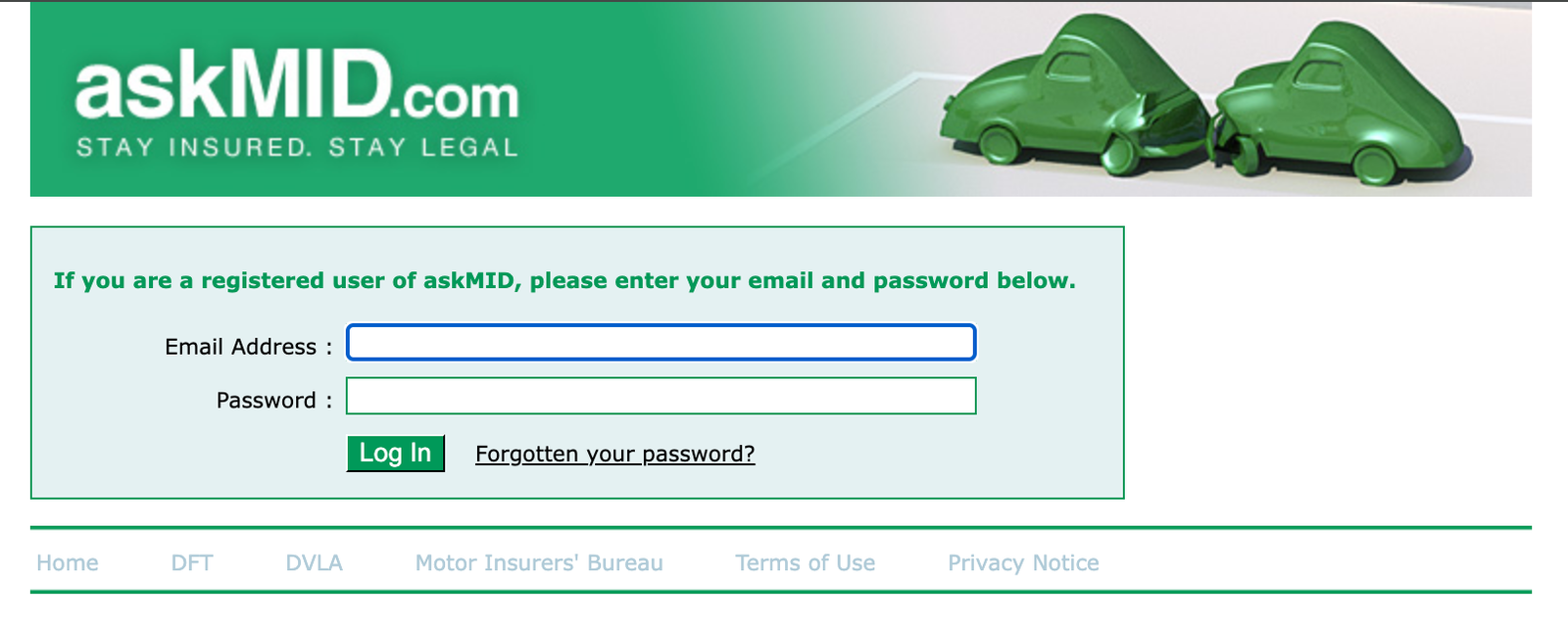
askMID Login
For most people, there is no login needed for the most common check (checking your own vehicle). Here are the three ways you might interact with AskMID/Navigate, and the steps for each:
-
1. The Free Check (No Login Needed)
This is the standard process for checking if your own vehicle is correctly showing as insured on the Motor Insurance Database (MID).
- Step 1: Go to the official Check Page. Navigate to the official AskMID or Motor Insurers' Bureau (MIB) website's "Check Your Vehicle" service (often linked to the newer platform, "Navigate").
- Step 2: Enter the Registration. Type in the registration number (number plate) of your vehicle.
- Step 3: Agree to the Terms. Tick the box to confirm you are the vehicle owner, registered keeper, or have the right to enquire.
- Step 4: View the Result. Click "Check this vehicle" or similar. The system will immediately display whether an insurance policy is currently recorded for that vehicle on the database.
-
2. The One-Off Paid Check (For Accident Use)
If you've been in an accident and need to check the insurance details of the other vehicle involved, you use a special one-off search service. This requires providing details and a payment, but generally doesn't involve creating a permanent account.
- Step 1: Locate the "Other Vehicle Look Up" Service. Find the link on the official AskMID/MIB website dedicated to checking the other party's details after an accident.
- Step 2: Provide Accident and Vehicle Details. You will need to enter the registration number of the other vehicle, the date of the accident, and your own details.
- Step 3: Pay the Fee. You will be prompted to pay a small, one-time service fee (usually around £10.00).
- Step 4: Receive Details. Once the payment is processed, the system will provide you with the insurer's name and policy number for the other vehicle.
-
3. The Professional Account Login (For Frequent Users)
This is a specific login for organizations (like solicitors, companies, or public authorities) that need to make an unlimited number of frequent enquiries.
- Step 1: Navigate to the Login Page. Go directly to the professional user login page on the AskMID/Navigate website.
- Step 2: Enter Credentials. Input your registered Email Address and your Password.
- Step 3: Access the Portal. Click the "Login" button to access the user portal for bulk and third-party checks.